Showing posts with label practice. Show all posts

Sunday, May 26, 2013

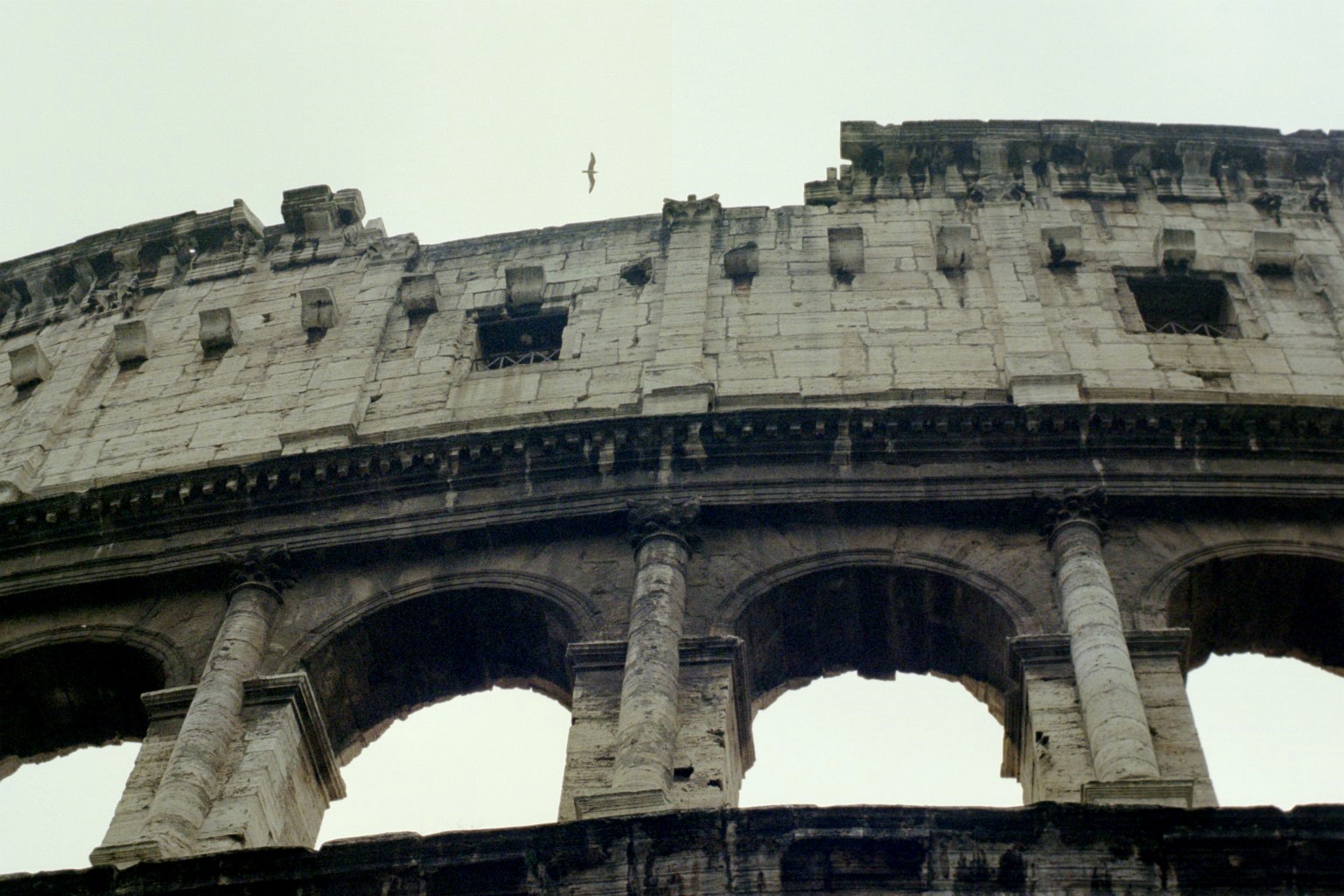
Pyramids

My project most recently has been based on self made filters and effects. So far I've tried spit, tape, paper (to make a vignette, and it worked!), dry erase marker, and just moving it to make it blurry. I think I want to go out to a craft store or even a 99 cents store and see what things I could possibly turn into a filter. I definitely want to buy cellophane and see how it would look.

I found a site that has a bunch of awesome homemade filters:
http://gizmodo.com/5846828/24-photos-from-crazy-homemade-filters

Things ranging from cheese to tights to the lid of a Tupperware lunchbox. The best part about this project is the amount of experiment that I get to do to find what works best for me. Essentially, I can try to turn anything into a filter... so maybe scratch going to the store to find something. People are so creative and decide to use what's on their hands to make a filter, and I am capable of doing so.

While writing this blogpost I got inspired to try some effects out!

 Through a perfume bottle: 


Through a fisheye viewfinder: 


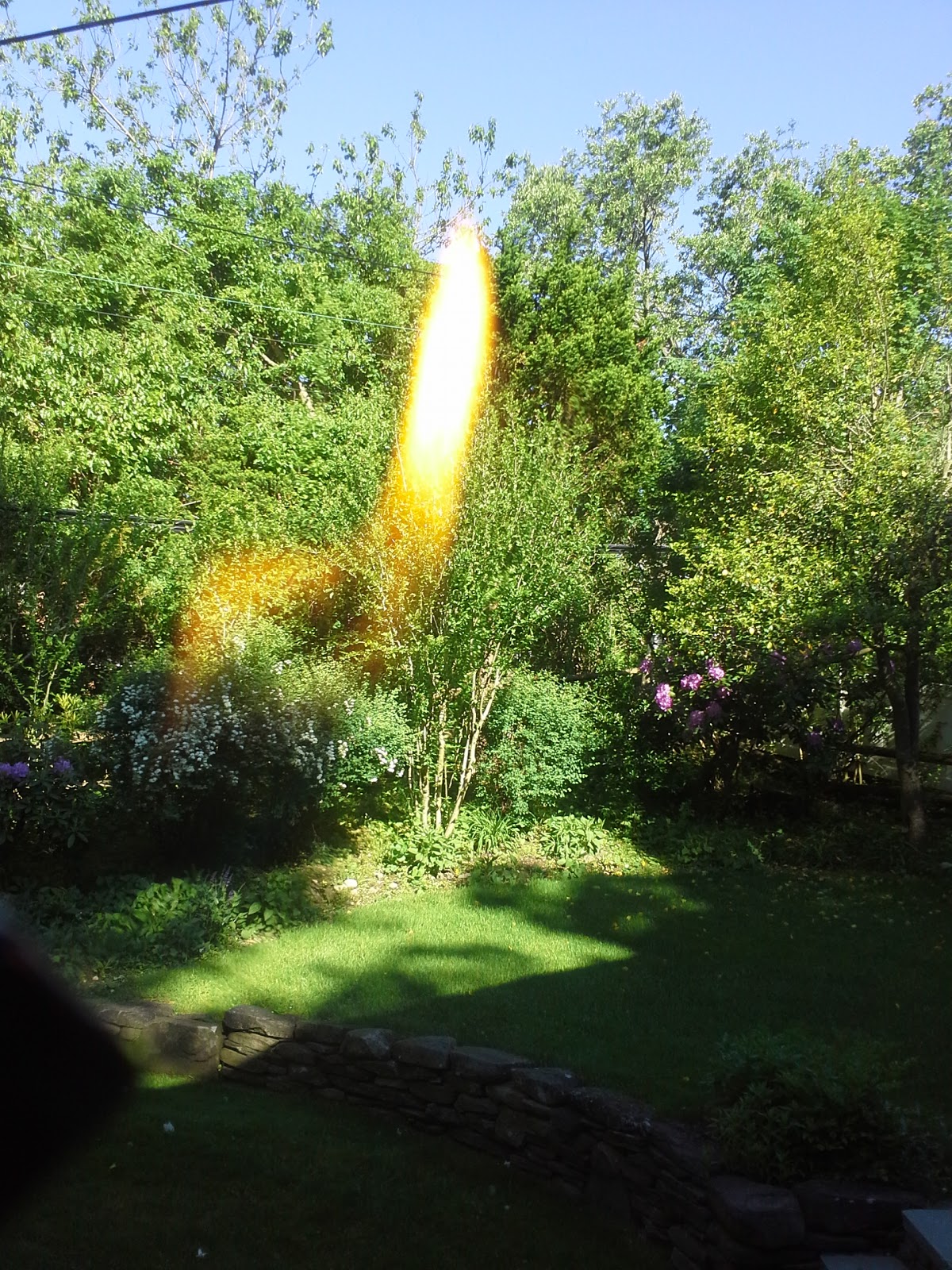
Playing with a flame:


I really like all of these, but I really love the ones with fire. The fire looks like leaks you'd find with film and it's a great touch. The perfume bottle was cool, but the only obstacle was trying not to get the logo in the picture. I just picked up three things I found in my room and turned them into effects/filters. Yay for DIY! 

Sunday, May 19, 2013

Google Poems

I saw someone make a Google poem so I wanted to try it out! Here are some attempts: 


Thursday, April 25, 2013

Quake

Here's some practice of editing skies:

Before

After 

Before 
After


Sunday, April 14, 2013

Des Haut Des Bas

Cross-processing is the procedure of deliberately processing one type of film in a chemical solution intended for another type of film. There's something extremely charming about a photo that's cross-processed. Of course it's possible to cross-process without actual chemicals and with Photoshop. 

1) Select the image you want to cross process and load it into PS. 

2) Add a curves layer by going to Layers > New Adjustment Layer > Curves OR just click "Create New Fill or Adjustment Layer." 

3) Select the red channel and adjust it so it looks like an S shape.


4) Next, select the green channel and raise the right part of the curve and slightly lower the left part. 

5) Next is the blue channel. It should resemble an inverted S shape. 

6) You can then adjust the RBG channel to increase contrast. 

7) Voila. Save your picture! 

You can decide how big or small you want the curves to be to get the colors of your liking. 

Before Cross
After Cross


Tuesday, April 2, 2013

Bag of Bones

Today I learned some photoshop techniques that will save my ass in the future.

Here's a side by side of a picture I worked on before and after.

Before Photoshop

After Photoshop 
I did a lot of work with the layers and brushes and it was really fun to explore.

Monday, December 10, 2012

A Great Big Pile Of Leaves

I'm not that great at drawing, but I've been practicing a lot. I've done quite a few self portraits and what not. I recently got inspired to do one line drawings by an artist on Tumblr. One line drawing is drawing without lifting your pen, pencil, etc. I really enjoy doing these little doodles. They're quite fun to make. 9,999 hours from now and I think I'll get the hang of it. I worked on a few tonight, and here they are: